
Guides
Planet Zoo 2 beginner guides and walkthroughs: controls, terrain, water tools, pathing, first habitat setup and advanced building tips for new and veteran players.
Introduction
The Guides hub is home to every step-by-step Planet Zoo 2 tutorial on this wiki. Whether you are opening your zoo for the first time or refining a late-game megapark, this category collects the essential knowledge: camera and keyboard controls, terrain and nature brushes, water customisation, pathing, blueprint placement and the hidden tools most players discover late. Each guide is written from the player's perspective and grounded in the 13 October 2026 release, so the tips reflect the current build rather than outdated beta footage. Start with the Beginner Guide if you have never built a habitat, or jump straight to Advanced Building Tips when you are ready to add realistic grades, custom water features and detailed guest plazas.
Essential Guides at a Glance
| Focus | Best For | Difficulty | Top Tip |
|---|---|---|---|
| Controls & Camera | New players | Beginner | Rebind rotate to Q/E for faster terrain work |
| Terrain & Water | Habitat builders | Easy | Flatten first, sculpt second |
| Pathing & Layout | Zoo designers | Medium | Wide plazas beat narrow paths |
| Advanced Building | Creative builders | Expert | Use flexi-colour on every set piece |
| Mistakes to Avoid | Everyone | Beginner | Never ignore guest sightlines |
Guide Collection
Controls & Camera Guide
Master the camera, time controls and object rotation before you build anything.
Terrain & Water Tools
Paint, sculpt, stamp and pour water to shape your biome.
Pathing Guide
Style paths, avoid kerb clipping and connect plazas visitors actually use.
Advanced Building Tips
Flexi-colour, scaling, group edit and blueprint tricks for detailed builds.
Zoo Layout Ideas
Plan zoo zones before placing a single path.
Core Mechanics
Planet Zoo 2's building tools are the connective tissue of every other category. The editor follows the same core mechanic throughout: choose a tool from the left panel, adjust its radius and strength, then apply it with a click-drag motion. Terrain tools modify the heightmap; water tools add depth and colour; path tools snap to kerbs and plazas; and object tools place scenery with rotation and scaling. Smart tools like the nature brush scatter trees, rocks and foliage across an area in seconds, while flexi-colour lets you recolour almost any object to match your theme. Mastering these mechanics unlocks the elaborate habitats and guest areas that make Planet Zoo 2's building system so rewarding.
Advantages
The Guides hub is the fastest route to competence in Planet Zoo 2. Because the game launched on 13 October 2026, comprehensive tutorial content is still rare — this wiki's guides are written by players actively working through the current build, so they reflect real, reproducible steps rather than speculation. Covering controls, terrain, water, pathing and advanced building in one place means a new player can go from opening the game to a working, profitable first habitat in a single afternoon. The step-based layout also makes it easy to return later for specific reference, such as the exact keystrokes for rotate while placing a large blueprint.
Challenges
General guides are inherently broad, so they cannot dive deep into every speciality: habitat welfare, conservation math and franchise finance each deserve their own dedicated hub, and this category points you there rather than duplicating that content. New players sometimes treat the guides as a fixed checklist, but Planet Zoo 2 rewards experimentation — a guide written for a standard grassland zoo may not apply to a desert or aquatic-focused park, and the terrain-first workflow that works for one biome can be the wrong order in another. Because the game updates frequently, older tips can drift out of date; always check the Updates hub for patch notes that change mechanics the guides describe. Finally, some advanced techniques rely on blueprint and workshop content, so the most demanding builds in the guides assume you have browsed community creations and learned the grouping tools that speed up construction.
Frequently Asked Questions
Is Planet Zoo 2 free to play?+
Can I pause the game while reading a guide?+
Do these guides work on console?+
Quick Tips
Before you sculpt a single hill, flatten the habitat's base area. Click the flatten tool, toggle only the borders you want to keep, and drag across the footprint. Flat foundations make barrier placement, pathing and guest viewing exponentially easier — unlevel habitat floors are the number one cause of broken keeper access and wonky fences.
Use the nature brush on empty terrain before you place individual trees. Set the brush size large, pick a foliage mix from your biome, and sweep across the habitat in one motion. Then add three or four focal trees by hand. This two-pass technique creates dense, natural-looking vegetation in a fraction of the time.
Rebind rotate object to your mouse's side buttons or to Q/E. You will rotate hundreds of scenery items across a long play session, and reaching for the keyboard every time breaks your flow. Combined with holding Shift to place multiple copies, this single change accelerates every build project and keeps your attention on the design rather than the controls.
Save your favourite builds as blueprints the moment they work. Even a modest habitat with one centrepiece shelter saves hours of rework later. Name blueprints clearly, group all their pieces first (select all, then merge), and the Frontier Workshop makes sharing them with friends effortless so the community can build on your ideas.
Undo is your best friend while you learn. The game keeps a generous undo history for terrain, water and object placement. If a stamp looks wrong or a path kinks, press undo rather than fighting the demolish brush — it is faster, cleaner and leaves your history intact for the next mistake you will catch while experimenting with new tools.
Featured

Planet Zoo 2 Beginner Guide: First Steps to a Thriving Zoo
Start your Planet Zoo 2 beginner guide the right way with key tools, game modes, animal care basics, and what to build before opening the gates.
Planet Zoo 2 How to Start a Zoo: First Day to Profit
Learn planet zoo 2 how to start a zoo with early habitat picks, staff hiring basics, career mode setup, and key shortcuts that fast-track your first profit.

Planet Zoo 2 Tutorial: Full Walkthrough of Controls and Paths
Follow the Planet Zoo 2 tutorial walkthrough for clear controls, intuitive path building, and the essential first-hour steps every new player needs.
All Articles

Planet Zoo 2 Mistakes to Avoid: Save, Free Play & Accessibility
Sidestep common traps with Planet Zoo 2 mistakes to avoid — smarter saving, free to play mode tips, and accessibility settings every player should know.

Planet Zoo 2 Temperature Tools: Flexi Colour & Scaling
Dial in perfect habitats in Planet Zoo 2 using temperature tools, Flexi Colour palettes, and object scaling for cleaner, more realistic zoo building.

Planet Zoo 2 Zoo Layout Ideas & Advanced Building Tips
Reimagine your park with Planet Zoo 2 zoo layout ideas, advanced building tips, and hidden features players wish they had known from the start.

Planet Zoo 2 Camera Controls: Modes, Rotation & Object Placement
Master Planet Zoo 2 camera controls including every camera mode, smooth rotation, time controls, and precise object placement for cleaner builds.
Planet Zoo 2 Group Edit: Delete, Undo, Redo & Environment Tools
Speed up building in Planet Zoo 2 with Group Edit — batch delete objects, manage undo and redo, and master the full environment toolset.
Planet Zoo 2 Nature Brush: Terrain Sculpting, Painting & Stamps
Shape wilder habitats in Planet Zoo 2 with the Nature Brush — terrain sculpting, painting layers, and stamps to design realistic landscapes.
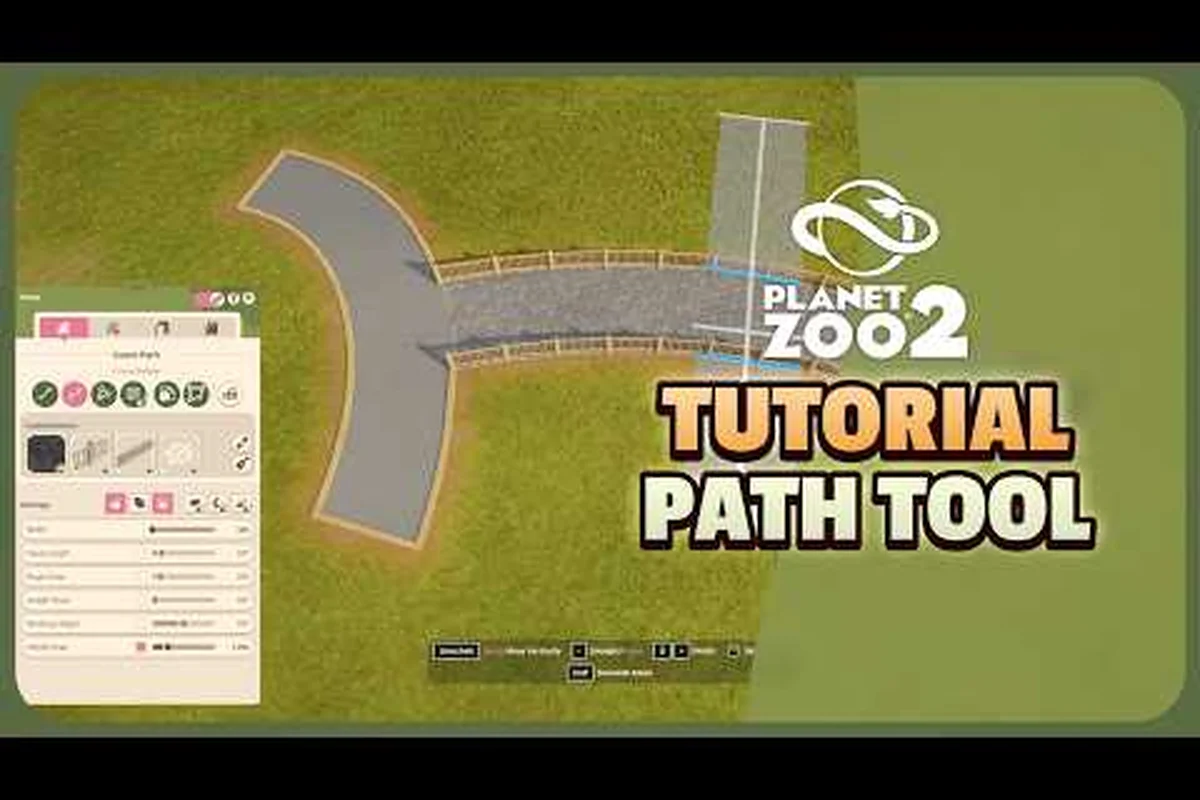
Planet Zoo 2 Pathing Guide: Water Tools, Demolish & Multi-Select
Lay flawless paths in Planet Zoo 2 with this pathing guide covering water tools, customisation, the demolish brush, and the multi-select workflow.