
Blueprints
Planet Zoo 2 blueprint guide: save and share builds, use the Frontier Workshop, snap blueprints to grids, merge groups and speed up construction.
Introduction
The Blueprints hub explains Planet Zoo 2's time-saving construction library. You learn how to save any build — a habitat, a shelter, an entire plaza — as a blueprint, then drop it back into any zoo with one click. Sharing is handled through the Frontier Workshop, where the community uploads featured creations you can browse and download. You also master the supporting tools: grouping and multi-select for faster editing, grid placement for precision, and merge functions that turn many objects into one manageable unit. Whether you want a quick shelter or a community's masterpiece, this hub makes you faster at every build.
Blueprint Tools Quick Reference
| Tool | Use | Shortcut | Tip |
|---|---|---|---|
| Save Blueprint | Capture a build | Blueprint menu | Name with biome + size |
| Frontier Workshop | Share & download | Workshop tab | Filter by rating first |
| Group Merge | Combine objects | Ctrl+G | Merge before saving |
| Grid Placement | Precise alignment | Snap toggle | Use for repeated pieces |
| Multi-Select | Edit many at once | Box select | Great for foliage pass |
Workshop Favourites
Habitat Blueprint Kits
Pre-built habitat kits that place barrier, gate, terrain and enrichment in one click.
Zoo Buildings
Restaurants, shops and staff facilities designed by the community to blend into any theme.
Custom Aviary & Aquarium Packs
Community packs for the new aviary mesh and aquarium filtration builds.
Blueprint Troubleshooting
Fixes for blueprints that snap wrong, cost too much or fail to place.
Blueprint Troubleshooting
Fix blueprints that snap wrong or refuse to place.
Core Mechanics
Blueprints work by storing a complete snapshot of every object in the build — position, rotation, scale, colour and group membership. When you place a blueprint, the game reconstructs that snapshot instantly, snapping it to the grid where enabled. Grouping is the management mechanic: merged objects behave as one unit, making them trivial to move, scale and recolour. The Frontier Workshop extends this to the community: every blueprint can be uploaded, rated, downloaded and re-placed by other players. The system's power is speed — a structure that took an hour to hand-build becomes a one-click placement on your next zoo, and the community's best designs become your starting points.
Advantages
Blueprint mechanics are universally useful, which makes this hub valuable for players of every skill level. Beginners get instant buildings and habitat kits that lower the barrier to a beautiful zoo, while veterans get precision placement, grouping and sharing workflows that let them rebuild their best work in a fraction of the time. The Frontier Workshop angle also captures community-driven searches — players look for what is worth downloading, how to share their own creations and how to fix blueprints that refuse to snap. Because blueprints save real time in every game mode and every save file, this content has broad evergreen appeal that grows richer as the community uploads more designs after launch.
Challenges
Blueprint quality varies enormously across the Workshop: a downloaded build can look stunning in the screenshot but place badly on your terrain, demand more space than expected or rely on premium DLC objects you do not own. Large blueprints with hundreds of pieces can also push the build limit when copied repeatedly, forcing you to merge or simplify groups. The grid and snapping behaviour is powerful but has a learning curve, and misaligned paths remain a common frustration for first-time users. Finally, Workshop content depends on the community's output — in the launch weeks there is simply less to browse while creators upload their first packs, so patience is rewarded as the library matures.
Frequently Asked Questions
How do I save and reuse a blueprint?+
What is the Frontier Workshop?+
Why won't my blueprint snap into place?+
Is there a build limit?+
Quick Tips
Merge before you save. A blueprint of 200 standalone pieces is fragile — selecting one object may shift the whole build. Merge the group first (Ctrl+G / the merge button), then save the blueprint. Placing it later becomes a single clean unit you can still ungroup if you need to edit it.
Sort the Workshop by rating rather than by raw votes. A high rating with a moderate number of votes usually means a build that actually works in practice, while raw vote counts tend to favour flashy screenshots that place poorly. Filter by the species and biome you need, then preview the piece count before you commit to a download: a small, reliable kit beats a showpiece that takes an hour to adapt.
Keep a personal blueprint library with biome tags in the name. Something like Grass Main Shelter or Tundra Keeper Hut makes it trivial to find the right build the moment you open a new zoo. Reuse is where blueprints finally pay back their creation time, so build the habit of saving and tagging every design that works before you move on to the next project.
Featured

Planet Zoo 2 Blueprint Guide: Save, Share & Frontier Workshop
Learn the Planet Zoo 2 blueprint workflow from saving your first build to sharing on Frontier Workshop, downloading community designs, and reloading them anywhere.

Planet Zoo 2 Pre Built Zoos: Ready-to-Place Blueprint Packs
Drop ready-made layouts into your park with Planet Zoo 2 pre built zoos — browse top blueprint packs, place them instantly, and remix them fast.

Planet Zoo 2 Workshop Creations: Share, Edit & Grid Snap
Publish your own Planet Zoo 2 workshop creations with full share controls, edit blueprints cleanly, and use grid snap for pixel-perfect builds.
All Articles

Planet Zoo 2 Build Limit: Exchange, Paths & Piece-by-Piece
Push past the Planet Zoo 2 build limit with custom blueprint exchange tricks, path blueprint shortcuts, and piece-by-piece construction for ambitious designs.
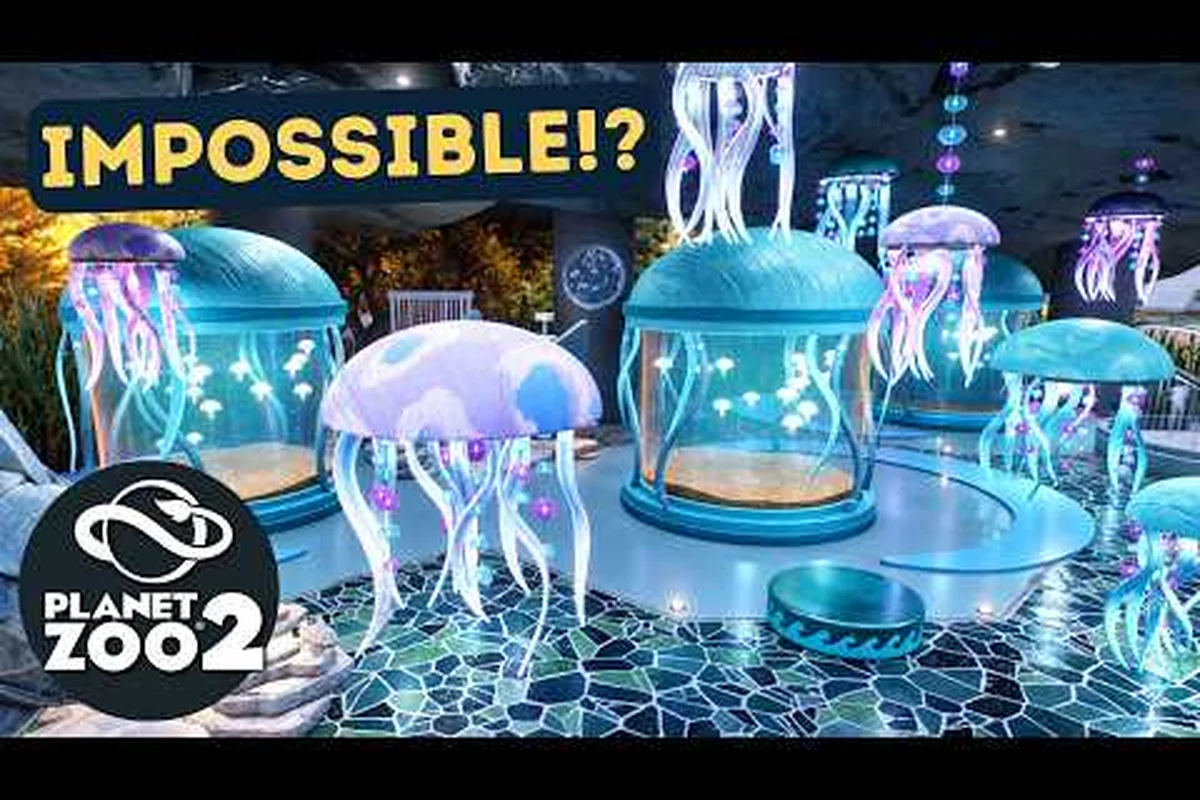
Planet Zoo 2 Merge Groups: Blueprint Tutorial & Troubleshooting
Fix common headaches with Planet Zoo 2 merge groups by following a clear blueprint tutorial, troubleshooting failed merges, and finding featured community creations.
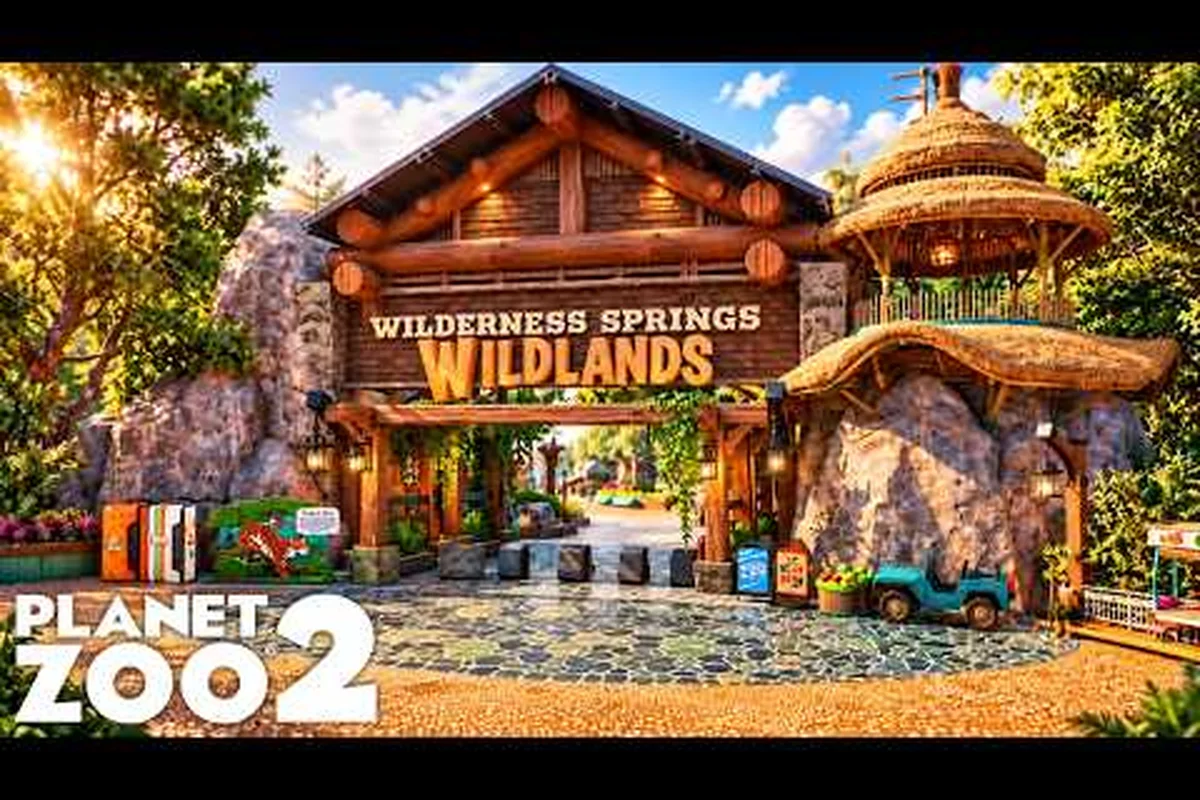
Planet Zoo 2 Workshop Blueprints: Best Builds & Categories
Browse Planet Zoo 2 workshop blueprints by category, from habitat layouts to community favourites, and download the best creations straight into your park.